
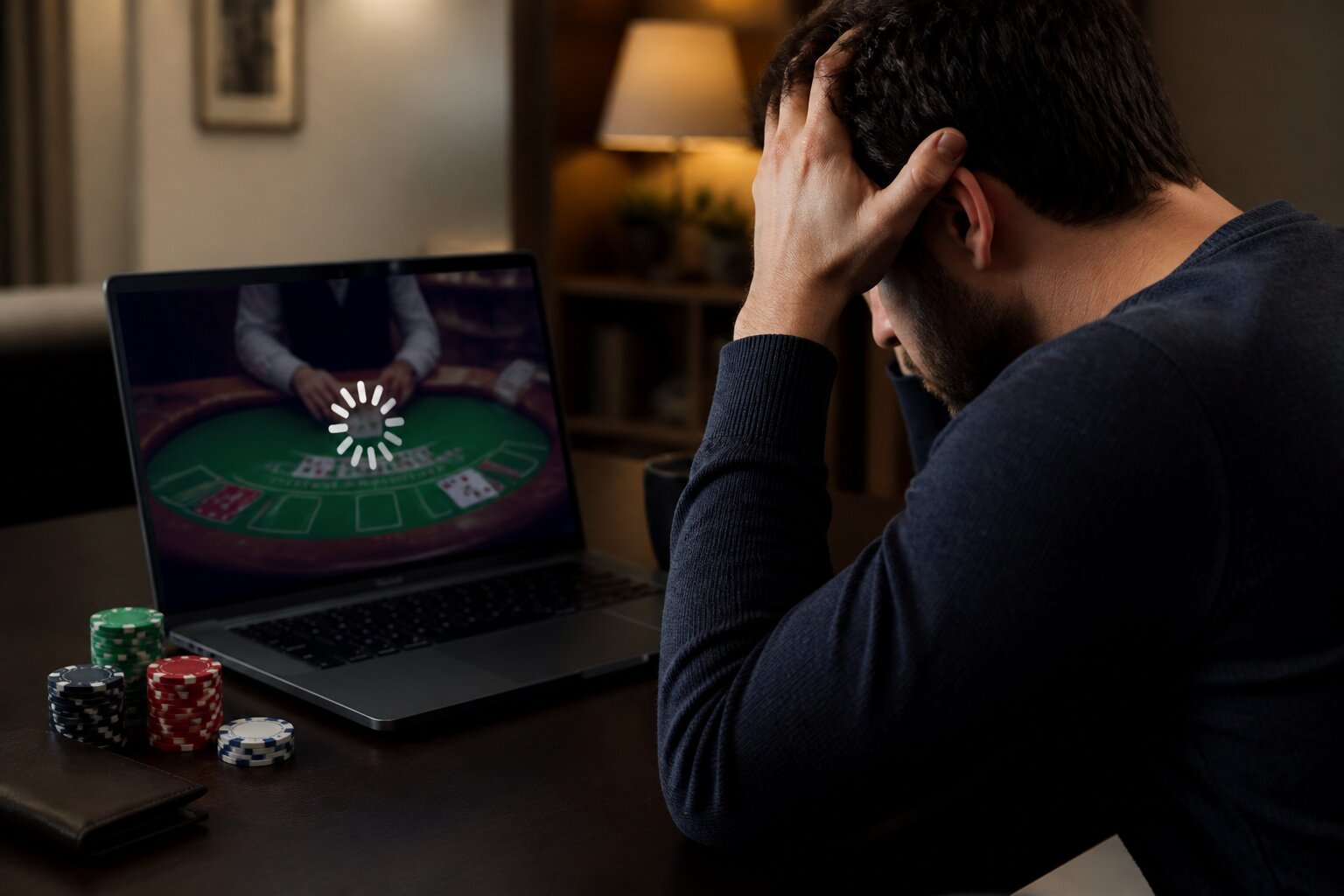
Ever sat down to play a few hands of online blackjack, only to find the game won’t load or something odd happens mid-game? You’re not the only one—technical problems can turn a straightforward session into a confusing interruption.
This article walks through the most common causes, what those messages and freezes usually mean, and how to get things back to normal. Read on and you’ll have a clearer idea of what’s happening and what to try next.
Don’t worry if you’re not technically minded; the fixes are mostly simple and the explanations below are practical and concise.
Why Is My Online Blackjack Game Not Loading?
When a blackjack game fails to load, the root cause usually falls into a few predictable areas.
Internet interruptions are one of the most frequent reasons. Even a brief drop in connection or heavy network traffic can stop assets from downloading, leaving the table blank or the game stuck on a loading screen.
Your browser or app can also be the issue. An out-of-date browser, blocked cookies, or a full cache may prevent the game from initialising. Similarly, running many tabs or background applications can sap resources and cause a stall.
Occasionally the game provider is performing maintenance or experiencing a server issue. If multiple games on the same site are affected, it’s often a service-side problem that the provider will resolve.
Finally, access restrictions linked to verification checks can block play until required documents or confirmations are completed. If the site asks for age or identity verification, that is a regulatory requirement and needs resolving before you can continue.
If a game won’t open, checking these areas in turn usually identifies the cause and points straight to a fix.
Common Technical Issues in Online Blackjack
There are a handful of recurring technical faults players report, and recognising them helps you troubleshoot faster.
Lag and delayed responses make button presses or dealer actions feel sluggish; these are typically network- or server-related. Error messages may pop up for a range of reasons, from temporary server timeouts to software updates being applied. Freezing is the symptom where controls stop responding and the display remains unchanged until you reload or restart the app. Audio or video glitches can muffle the dealer or distort the display, affecting clarity though not the underlying game mechanics.
Knowing which symptom you see — lag, an error code, a freeze, or AV problems — narrows down the likely cause and the most effective remedy.
Now that you can spot common faults, the next section explains simple fixes for connection-related problems.
How to Fix Internet or Connectivity Problems
Improving your connection often resolves loading problems and lag quickly.
Start by checking signal strength and moving closer to the router if you’re on Wi‑Fi. Reducing the number of devices connected to your network helps too, because each one can take a slice of available bandwidth. Restarting the router clears temporary faults and can re-establish a more stable connection.
Where possible, a wired connection is more reliable than wireless and reduces interruptions. On mobile, switching between Wi‑Fi and mobile data can reveal whether the issue lies with one network or the other. Running an online speed test gives you a snapshot of current performance and can help when you speak with your internet provider.
These steps are straightforward and usually effective at removing the most common connectivity obstacles.
Which Devices Are Compatible With Online Blackjack?
Blackjack is widely supported on both desktop and mobile devices, but small differences in systems can affect performance.
On desktops and laptops, browsers for Windows and macOS will handle most games provided they’re kept up to date. Mobile play works on Android and iOS devices; many sites offer either browser-based tables or dedicated apps. Apps can offer a more consistent interface, but browser play removes the need for downloads.
Check that your operating system and browser versions meet the minimum requirements the site lists. That helps avoid unexpected freezes or display problems and means you can access the full feature set of live or animated tables.
If your device is older or low on storage, clearing space and closing other apps can improve performance without needing new hardware.
Browser & App Troubleshooting Tips
A few routine maintenance actions usually clear up browser and app issues.
Keeping the browser or casino app up to date prevents compatibility problems. Clearing cache and cookies removes stale files that may interfere with game loading. Temporarily disabling browser extensions can rule out conflicts caused by ad‑blockers or privacy tools. If an app continues to misbehave, a reinstall often restores normal function.
Use only official apps or supported browsers; unofficial software can cause errors and may breach terms of service. Also ensure your security software is current, since outdated antivirus or firewall settings can inadvertently block elements of the game.
These steps typically restore smooth gameplay and address the majority of client-side issues.
Why Do I Keep Getting Kicked Out of Blackjack Games?
Unexpected ejections from a table are common and usually result from a few manageable triggers.
Intermittent network drops can cause the session to disconnect; many platforms end inactive or disconnected sessions automatically to keep play fair. If you delay decisions for too long, the game may remove you to avoid holding up other players. System updates or server-side maintenance can also log you out while changes are applied.
Some sites include automated time limits or pause features to encourage breaks; these are part of overall play management and can interrupt sessions when thresholds are reached.
If you experience frequent disconnections, checking your connection stability and any time‑limit settings on your account is a good first step. If nothing obvious shows up, the support team can investigate session logs to find the cause.
Account Issues That May Stop You Playing Blackjack
Problems with your account can prevent access to games until resolved.
Verification checks are a typical blocker: sites must confirm age and identity before allowing full play, and missing or incomplete documents will prompt a temporary restriction. Limits you’ve set on your account, such as deposit caps or cooling-off periods, will also affect your ability to play while they’re active. Other security measures include random account checks or temporary suspensions if unusual activity is detected.
If you’re uncertain why access is limited, checking your account inbox or notifications often explains the issue. Where clarity is needed, customer support can outline what’s required to restore full access.
What To Do If Payments or Withdrawals Fail
Payment problems can usually be traced to a handful of causes and fixed without delay.
Banks or card providers sometimes block gambling-related transactions or decline payments due to preset limits. Verifications tied to regulatory checks may pause withdrawals until identity or source-of-funds steps are completed. Using incorrect payment details or a payment method that does not match your account can also cause failures.
If a transaction is declined, confirm your payment details and check with your bank to see if a block or limit was applied. The casino’s support team can explain any verification steps pending on their side and advise on eligible payment methods.
Keeping clear records of deposits and withdrawals helps resolve queries promptly and reduces the chance of delays.
Is It a Scam or Just a Technical Issue?
Most interruptions, freezes and payment delays are caused by genuine technical faults or routine regulatory checks rather than fraudulent activity. Connection problems, software updates and verification processes can all cause temporary disruptions that feel alarming but have innocent explanations.
Licensed operators are required to publish their regulatory information and to use independently tested games. Checking a site’s licence details, the testing laboratory reports and customer reviews can provide reassurance that the platform is operating to recognised standards. If something still seems out of order, pause gaming and contact the support team with clear specifics — reputable providers will investigate and explain what happened.
When you contact support, taking a moment to gather helpful details speeds up resolution. Useful information includes:
- any error messages you received,
- screenshots or screen recordings of the problem,
- the time and date the issue occurred,
- the device, browser or app you were using.
Keeping records of correspondence and any transaction IDs is also sensible while the matter is being investigated. If you remain concerned about potential fraud after contacting support, you can check with the relevant regulator for guidance or consider seeking independent advice.
Contacting Customer Support For Blackjack Problems
When a problem persists, customer support is the fastest route to a resolution.
Reach out using the contact options on the site and include relevant details like the device you were using, the browser or app version, and any error messages. Screenshots are particularly helpful. For account or payment issues, have any requested documents ready so the team can complete verification checks without delay.
Support teams follow security procedures to protect accounts, so they may ask for identification before making changes. Clear, calm communication speeds up the process and makes it easier for staff to assist effectively.
If you prefer, allow a short pause after reaching out — it often gives the operator time to investigate session logs or server events and return with a full explanation.
Myths About Blackjack Game Errors
Misinformation about online game errors can create unnecessary concern. Clearing up a few common myths helps you separate genuine issues from unfounded fears.
“The casino rigs the games” is a frequent claim, but licensed sites must use independently tested software that meets regulatory standards. These checks ensure the integrity of the games and that results are produced according to the software’s design.
“Errors mean the game isn’t fair” misunderstands how software works. Technical faults affect delivery, not the underlying system that governs outcomes. When problems occur, providers log and review the events to confirm fairness and correct any faults.
“A special system can beat the game” is also misleading. There’s no secret method that guarantees outcomes beyond what the game’s rules and software permit.
Understanding these points helps keep perspective when an error happens: most are solvable technical issues, and official channels exist to investigate and correct them.
Playing online should be straightforward, and most interruptions have simple explanations and remedies. If you encounter a persistent problem, contact support with the details and they’ll work to restore your access so you can return to the table with confidence.
**The information provided in this blog is intended for educational purposes and should not be construed as betting advice or a guarantee of success. Always gamble responsibly.