
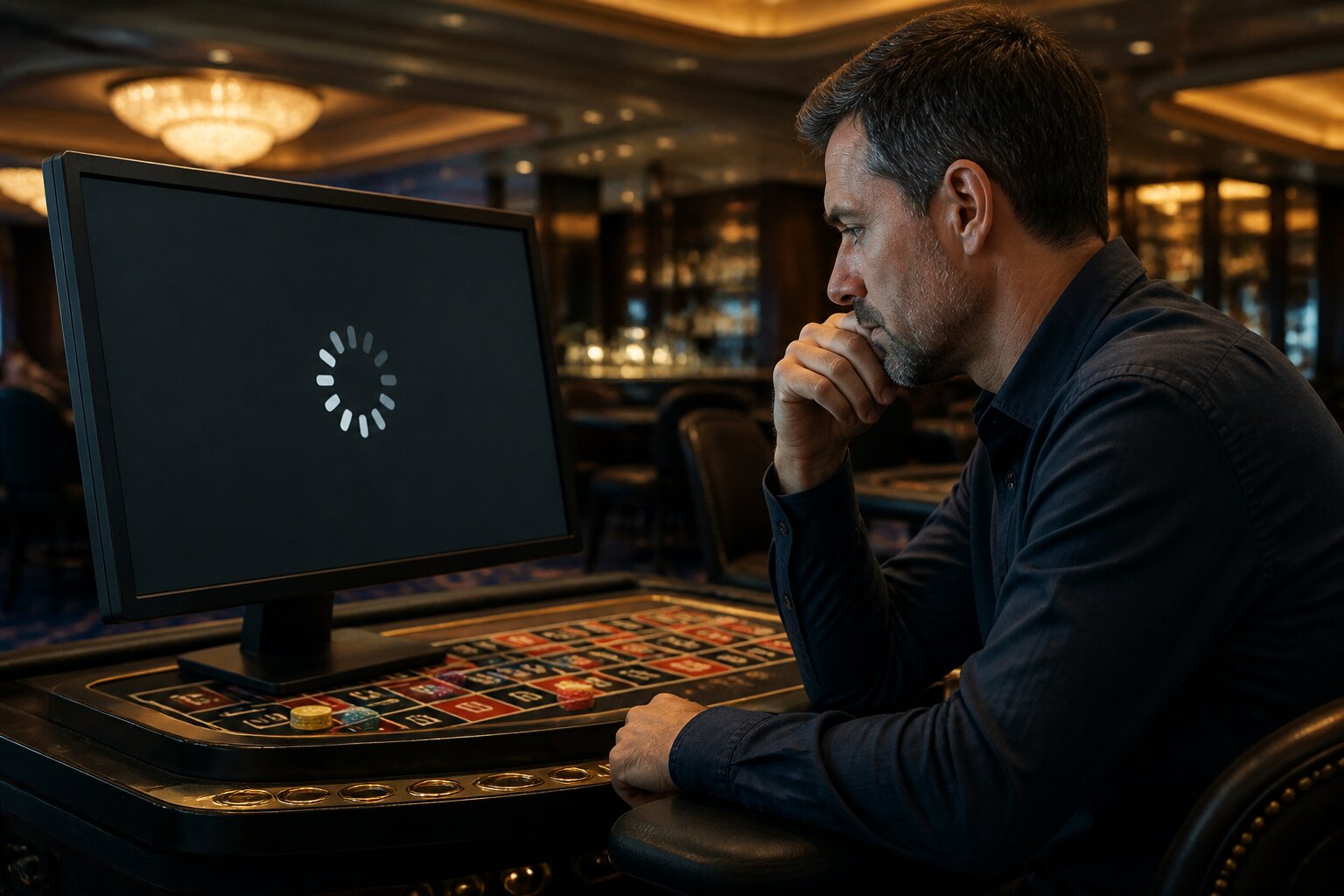
There is nothing more frustrating than being ready for a bit of online casino play, only to be stopped by a frozen screen or a game that will not load. One moment the reels are turning or a hand is in play, the next an error message interrupts everything.
These interruptions interrupt enjoyment and raise questions about whether the problem is with the device, the casino site, or the connection between them. The good news is that most issues have clear causes and practical remedies, which this article will unpack in plain terms.
Read on to learn what typically causes freezes and loading faults and how to resolve them without needless fuss.
Understanding Why Casino Games Freeze or Fail to Load
A range of technical factors can interrupt a game, and understanding each one helps narrow down the cause quickly. A primary issue is internet connectivity, since most casino games rely on a continuous data link. Even a brief drop in signal, whether on Wi‑Fi or mobile data, can pause animations or halt communication with the game server, creating the familiar frozen screen.
Browsers also matter. Modern games expect recent browser features; an outdated or unsupported browser can struggle to render game content. Cached files and cookies sometimes become corrupted and interfere with normal loading, leading to persistent failures until the temporary data is cleared.
Hardware and software limitations on the device can also be the root cause. Games use graphics and memory, so a device with limited RAM, many background apps, or an old operating system may not keep up with new game builds. Third‑party programmes such as aggressive ad blockers or unfamiliar security tools can conflict with the game client and block necessary elements.
Occasionally, the fault lies with the game provider or the casino’s servers. Maintenance windows, high traffic, or server faults can prevent games from loading for many players at once. Where the root is external, a short outage or scheduled maintenance announcement is often visible on the casino’s status pages or social channels. With a clearer idea of these possible causes, the next section explains the specific error messages you might meet and what they indicate.
Common Error Messages Explained
Connection lost
This indicates the game has lost its link to the internet or to the casino’s servers. It often appears when a Wi‑Fi signal drops or mobile data fluctuates, leaving the client unable to exchange the small data packets it needs to continue.
Game failed to load
Displayed when the browser or app cannot initialise the game. Causes include an incompatible browser, insufficient device memory, or a temporary hiccup in the network preventing assets from downloading.
Unable to connect to server
This points to an inability to reach the casino’s back end. Server maintenance, overloaded systems during peak times, or a fault in the casino’s hosting infrastructure are common sources.
Game session expired
Appearing after prolonged inactivity or when a session token times out, this message protects accounts by closing idle sessions automatically.
Technical error, please try again later
A general catch‑all used when an unexpected fault occurs. It can stem from transient network issues, incomplete data transfer, or a problem within the game code itself.
Please enable Flash or JavaScript
Some older games still rely on specific browser features. If these are disabled or blocked, the game cannot run until those features are allowed or the browser is updated to a supported platform.
Understanding these messages helps you decide whether the issue is local to your device or more widespread, and the following sections describe device types and connection factors that most often contribute to the problem.
What Devices Are Most Affected by Casino Game Issues?
Mobile phones, particularly older Android models, are commonly affected because they may not receive regular software updates and can lack the graphical or security support required by newer games. Phones that predate 2020, for example, might struggle with more recent game engines that assume modern processing and rendering capabilities.
Tablets can experience similar faults, especially if the operating system has not been updated for several years. An older iPad may show graphical glitches or fail to open advanced game clients that depend on recent iOS features.
On desktops, the browser and operating system are central. Legacy browsers such as Internet Explorer and early Microsoft Edge builds frequently lack necessary support for HTML5 and current web APIs, causing failures on pages designed for Chrome, Firefox, or modern Edge versions. Desktops running unsupported operating systems, like Windows 7, are at increased risk because many providers no longer test or optimise for those environments.
Even current devices can run into trouble if storage is nearly full or too many applications run simultaneously, reducing the memory available for the game. Moving on, the role of the internet connection itself is often decisive; the next section outlines how network quality affects play.
How Internet Connection Impacts Gameplay
A stable, reasonably fast internet connection underpins a seamless gaming session. When the connection stutters, game assets or state updates can fail to arrive in time, producing freezes, delayed results, or partial displays. In live dealer games this is especially noticeable because the video stream and the game state must remain synchronised; any prolonged network disruption can lead to pixelation, frozen frames, or disconnection.
Lag is the perceptible delay between your input and the game’s response. It is commonly caused by limited bandwidth during peak home usage, shared public networks, or mobile data in areas with weak coverage. Another factor is packet loss, where small portions of data fail to reach the device; even with reasonable speed, high packet loss will make interactive games unreliable.
To improve reliability, a private, secure Wi‑Fi connection is preferable to public networks. Positioning the device near the router and reducing simultaneous heavy network use, such as video streaming, both reduce the chance of interruptions. With the influence of connection quality clear, the following section explores practical ways to resolve a freeze when it happens.
Troubleshooting: Steps to Fix Frozen Casino Games
When a game becomes unresponsive or will not load, a sequence of troubleshooting approaches often reveals the cause and restores service. The first approach is to refresh the game session and allow the client to establish a new connection. A fresh page load or a closed and reopened app prompts the game to request resources again, which can clear transient loading errors.
Temporary browser data can interfere with game files, so removing cached files and cookies helps ensure the browser fetches current assets rather than relying on corrupted local copies. Clearing this data via the browser or device settings forces the game to download fresh resources, which typically resolves persistent loading failures.
Compatibility checks are the next consideration. Ensuring the operating system and browser or app are up to date reduces the chance of encountering unsupported features. If problems persist on one device, trying the same game on a different, more recent device can confirm whether the issue is device‑specific. In some cases, disabling aggressive third‑party blockers or temporarily adjusting security settings reveals whether these tools are blocking game elements.
These measures often restore normal play; however, if errors continue despite trying them, the problem may need specialist attention. The final section explains when to contact the casino’s support team and what information helps resolve issues efficiently.
When to Contact Casino Support
Contacting the casino’s support team becomes necessary when the fault persists across multiple attempts and devices, or when account integrity is at stake. Support should be notified if the same error recurs after refreshing, clearing data, and updating, or if a game stops while a real‑money bet is active and the outcome is unclear.
Provide concise but specific details to speed up resolution: the device type and operating system, the browser or app version, the exact error messages shown, and a description of the steps already taken. Screenshots and timestamps of the incident are especially helpful, as they allow support staff to match logs and server records. If there is any sign that account access or balances are affected, make contact immediately so the team can protect the account and investigate further.
Support teams will liaise with technical providers to diagnose outages or bugs and advise on next steps. Keeping records of the incident and reference numbers from support ensures the matter can be followed up if necessary. With that final point addressed, you should now have the context and practical options needed to resolve most frozen screens and loading problems and return to a smoother playing experience.
Play Casino Games Online at Barbados Bingo
We welcome you to explore the wide selection of casino games available at our site, all brought together for your enjoyment and entertainment. With so much to choose from, there's something for everyone to discover at Barbados Bingo.
**The information provided in this blog is intended for educational purposes and should not be construed as betting advice or a guarantee of success. Always gamble responsibly.